
Vorboss launches Simply Connected to simplify connectivity, IT and cybersecurity management for London businesses

And often that’s because they’ve accidentally damaged the tech themselves…
A company that sells refurbished technology surveyed 2,500 UK employees.
It found that laptops were most likely to be broken, followed by keyboards, monitors and PCs.
Most of the time the damage was done by spilled food and drink. Other causes of damage included other people in the house – such as a partner or housemates – and of course, pets.
We’ve all watched in horror as a cat brushes itself against a full glass of water next to a laptop…
While more than half of people try to fix the damage, and 81% of people continue to use their faulty device with limited features, a third of workers switch to their personal devices instead.
As well as this causing a loss of productivity, it could also be a huge data security risk for your business. Because it’s possible their personal laptop doesn’t have as much security protection as their work laptop does, such as:
- Security software
- Data encryption
- Enhanced password protection such as multi-factor authentication
Their personal devices also aren’t being monitored by your IT support partner. When an attacker gains access to an unmanaged device, if it’s connected to your network, it’s possible they can get access to the wider network, and all of your business’s data.
This can result in your data being stolen and sold. Or worse, your data being encrypted so it’s useless to you – and you must pay for its return. This is called a ransomware attack and it’s the greatest cyber security threat to your business right now.
It’s not just access to your data that’s the problem. After a ransomware attack, there is a huge time and financial cost involved in making sure your network is clean, protected and secured.
Our advice is to make sure that everyone in your business understands the risks involved with using personal devices for work purposes, whether they work remotely or not.
You might want to make a golden rule that all work must only be done on business devices.
You could also create a culture where it’s OK if a device gets damaged, so long as it’s reported quickly.
If you need any help choosing the right technology or cyber security approach for your team, or creating new policies to help your staff choose to do the right thing, give us a call!
No-one likes passwords.
Creating them. Remembering them. Typing them in. Your whole mood can change when an application you’re using suddenly logs you out, and you have to go through login all over again.
It’s frustrating for everyone.
So here’s some very welcome news, courtesy of Microsoft, Apple and Google. The tech giants have joined forces to kill off the password for good.
Over the coming year, they plan to roll out no-password logins across all of their platforms, using a standard set by the FIDO (Fast Identification Online) Alliance. This sets the worldwide standards for passwordless authentication.
That’s a bit of a mouthful… so some people call this a passkey. A lot easier to remember.
A passkey works in a similar way to multi-factor authentication (where you use a separate device to prove it’s really you), but with less effort required. It’s very simple. To login to something, you’ll use your phone to prove it’s really you.
Your computer will use Bluetooth to verify you’re sat nearby. Because Bluetooth only works a short distance, this should stop many phishing scams. Then it’ll send a verification message to your phone. You’ll unlock your phone in the usual way, with your face, fingerprint or PIN.
And that’s it. You’re logged in.
Passkeys rely on something called public key cryptography. When you register with an application or website a key pair is made between the website and your phone.
These are really long numbers that are connected in some way. But you’ll never see them and you certainly don’t have to remember them. Your phone verifies the pair when you unlock it in the normal way.
And you don’t have to worry about losing your phone. It’s not enough to just have your device… someone has to be able to unlock it as well.
Your passkeys will be backed up in the cloud, so if you get a new device you can simply transfer over your information. In the same way it’s now easy to set up a new phone to be just like your old device.
These passkeys are not only simpler for you, but should keep your data safer.
There is no password for cyber criminals to steal. And your phone needs to be close to your computer to login. It’s not fool proof, but it’s a lot better than the current situation with passwords and multi-factor authentication.
We’d love to hear your thoughts on this one.
Are you excited to say goodbye to traditional passwords?
Get in touch to let us know.
But we can all agree that having 20 tabs open in your browser at any one time has a negative effect on productivity.
Simply because it takes so much more time to find the web pages and services you need when you’re looking for them.
This might not be a problem for much longer.
If you’re a fan of Microsoft browser Edge, you’ll be interested in a new feature that’s going to debut soon.
Workspaces was originally revealed a year ago, back in April 2021. But since then Microsoft has gone quiet about it. We assumed it was dead in the water.
But a preview build of Edge that’s just come out for developers includes an option to create new Workspaces. So it looks like we could all be seeing the feature rolled out in the months ahead.
Workspaces allows you to group together browser tabs, and open or close groups with a click.
There are a number of ways you might use this. Perhaps to keep work-related and personal information separate. Or even grouping together information relating to different projects.
These groups can be named and colour coded, so it’s easy to find the right information at the right time.
And unless you delete a Workspace, when you close and reopen Edge all your tabs will be there waiting for you.
There’s no release date for this yet. But if you can’t wait to get stuck in, more good news – Google’s Chrome browser already offers a similar feature called tab groups.
A simple right-click lets you group together tabs, label them and colour code them too. You can even reorder them on your tab strip to organise them further.
Need more productivity boosting tools for your business?
We’d love to help, just get in touch.
A new update coming soon to Microsoft Edge will give you access to a new and improved password management feature. This will allow you to store all your passwords within your browser automatically, giving you a cost-effective way to avoid password-based cyber-attacks.
However. Although this new feature is more secure than using the same login details across multiple applications, our advice would be to avoid browser-based password managers in your business.
Why?
Because they’re not flexible enough and don’t give enough control to you the boss – especially when a member of staff leaves.
When you use a dedicated password manager, you can remove someone’s access to all their applications at the push of a button. You can also access their login details if you need to.
You still benefit from secure encryption, but it also works across all devices, including different browsers.
A separate password manager is also a lot more secure, which is really important when you have multiple people using your applications, each with their own login details.
And as a bonus, your password manager will generate strong random passwords for you; remember them; and auto complete the login boxes.
That means you’ll have even better protection from brute force attacks, where cyber criminals try to guess your passwords.
If you don’t already use a password manager in your business, it’s about time you did. It’s an extra layer of data security that you really shouldn’t be without.
There are lots of password managers about.
Would you like to know which one we currently recommend? Get in touch and we’ll tell you.
Latest from the press room
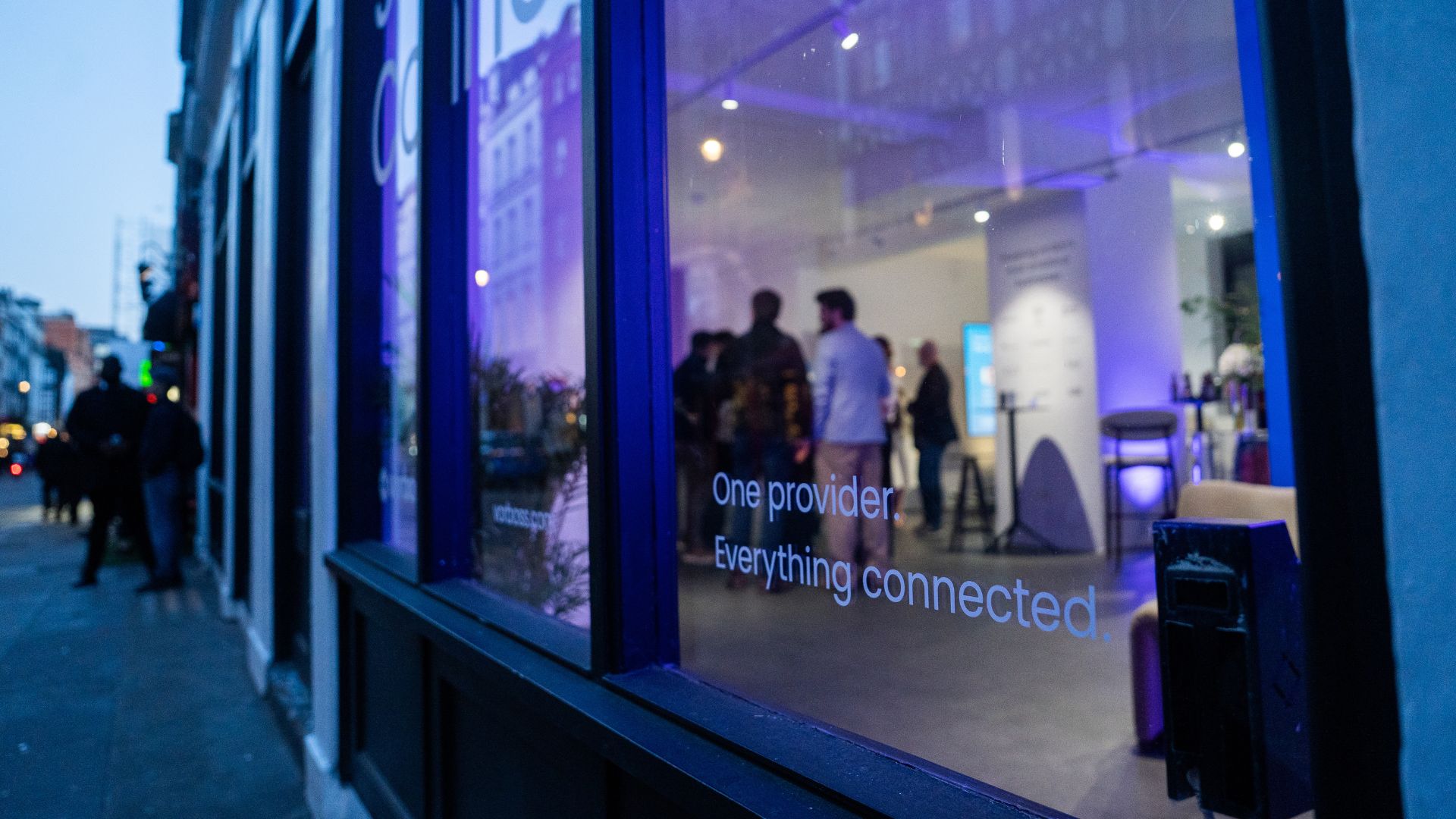
As companies grow, so does the technology behind them. Connectivity, IT and cybersecurity often end up spread across multiple suppliers, contracts and support models. Simply Connected brings it all together under one provider, making it easier to manage, easier to support, and clearer to understand costs.
At the heart of it is Vorboss’ own fibre network spanning over 750km across London, built, owned and operated in-house, with the same team designing, installing and managing the full setup end-to-end.
“Office technology has become overcomplicated,”
said Rhod Morgan, Chief Operations Officer at Vorboss.
“Many businesses have the right services on paper, but the experience feels disjointed. We wanted to remove the grey areas. Customers manage one relationship, have access to local support and receive one predictable monthly bill. The same team that builds the solution runs and supports it day-to-day.”
Simply Connected includes modular services that flex around each business and scale as it grows:
- Dedicated internet connectivity from Vorboss
- Fully managed office networks
- Managed IT and hardware provisioning
- Cybersecurity
- Ongoing support delivered by local London experts

Vorboss is powering the ambitions of London’s businesses with blazing-fast connectivity, managed IT, and serious cybersecurity. As we grow, we are focused on building a team that reflects the diversity of the customers we serve.
This year’s gender pay gap results mark a clear step forward, with both our median and mean pay gaps in favour of women, placing us ahead of the UK benchmark.
We recognise that lasting change depends on improving representation across roles and levels, and we are taking deliberate action to support this through inclusive hiring, clear career pathways and ongoing development. We are proud of the progress made and remain committed to achieving gender parity across Vorboss by 2028.
Read the full report here.

.avif)

.avif)
